How do I share my design? Can I download my design?
There are multiple ways to share with colleagues or teammates your uniform designs. Users can download a PDF, or can directly email and share a PDF or a link to the final design.
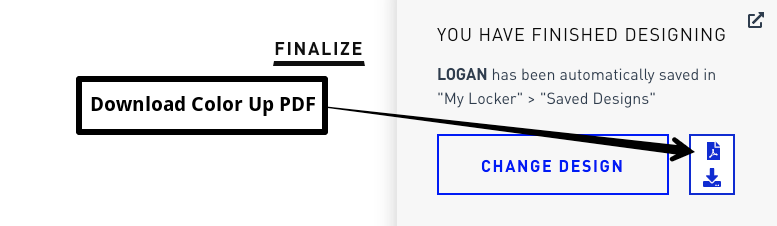
To download a design, simply click on the PDF download icon on the Finalize screen.
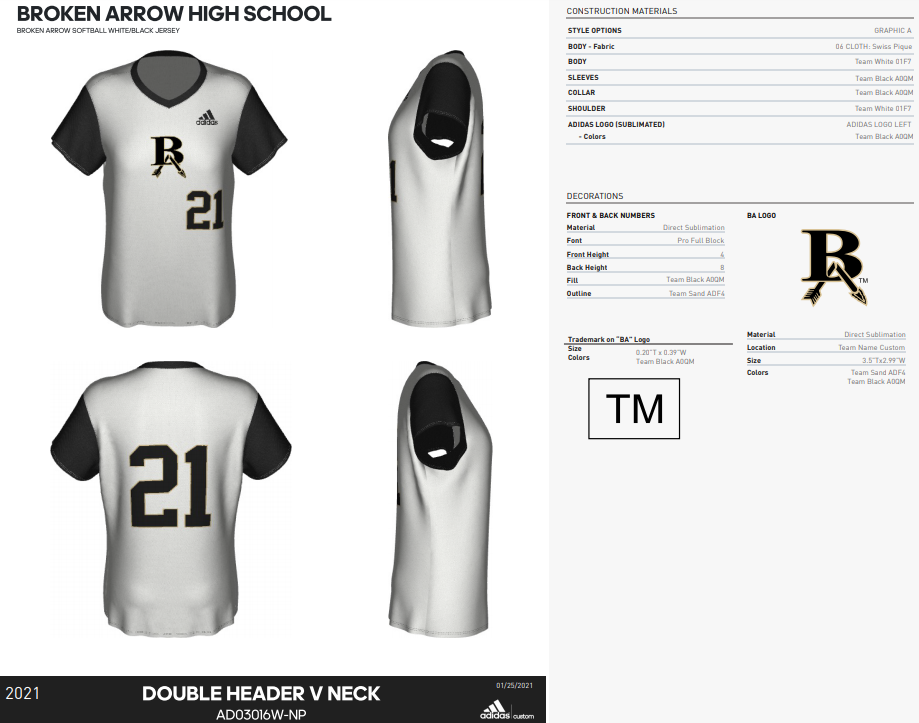
Upon downloading, a Full Color Up will be available to you for saving, printing, or attaching to an email. Below is an example of a downloaded Color Up:
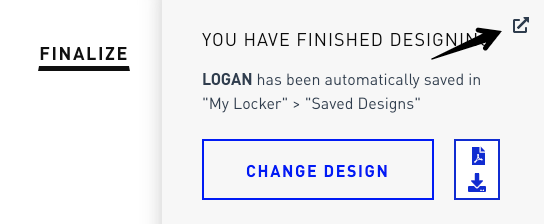
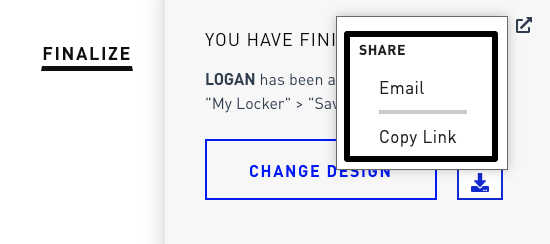
To share a design, locate and click on the share icon (arrow) at the top right of the Finalize screen. A popup will appear to choose how to share: either attaching the PDF via email or by copying a link to the design.
Important notes:
- Designs are always saved for use in the user’s design locker.
- Color Up PDFs contain a watermark until they are approved for production.
- The Color Up PDF is dynamic. Click on images to display a more detailed view.
Comments
0 comments
Article is closed for comments.