How do I check my order status?
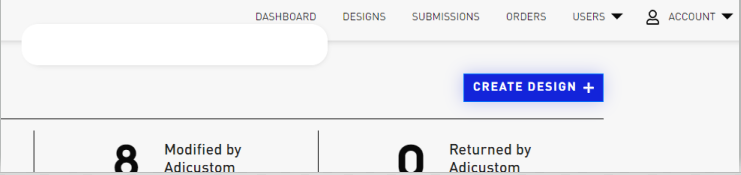
To check on the status of an order you can click on ORDERS in the Menu on the top of your Dashboard page.
The page that opens shows all the orders you have submitted. You can scroll all the way to the right of the page to see the status of each order:
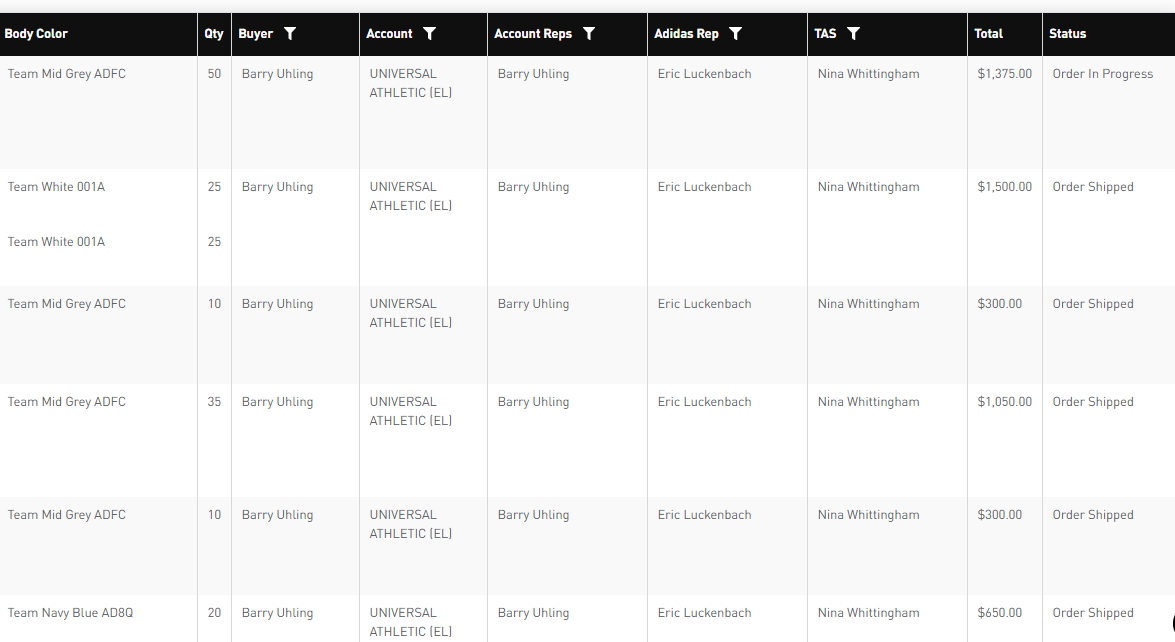
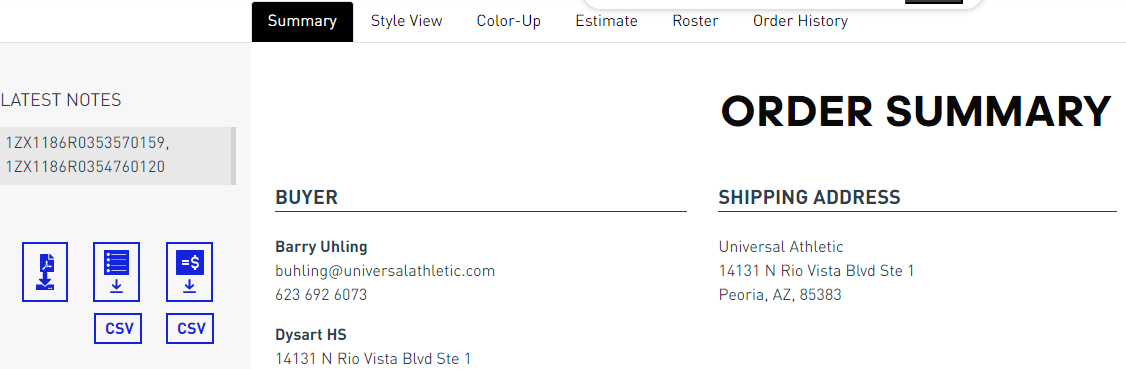
If the status of the order shows Order Shipped, you can scroll all the way to the left and click on Review to get tracking information. UPS tracking number(s) will show under LATEST NOTES on the top left of the page.
Comments
0 comments
Article is closed for comments.