How can I check my order status?
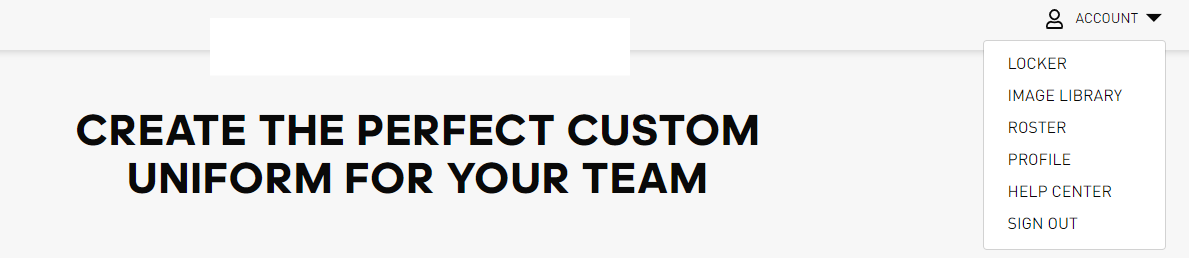
In your Locker, you can view your order’s status in Order History. To access your LOCKER you must click on ACCOUNT on the top right of the page and select it.
Once in your Locker you can view the status of all your orders by scrolling to the bottom of the page to find the ORDER HISTORY section.
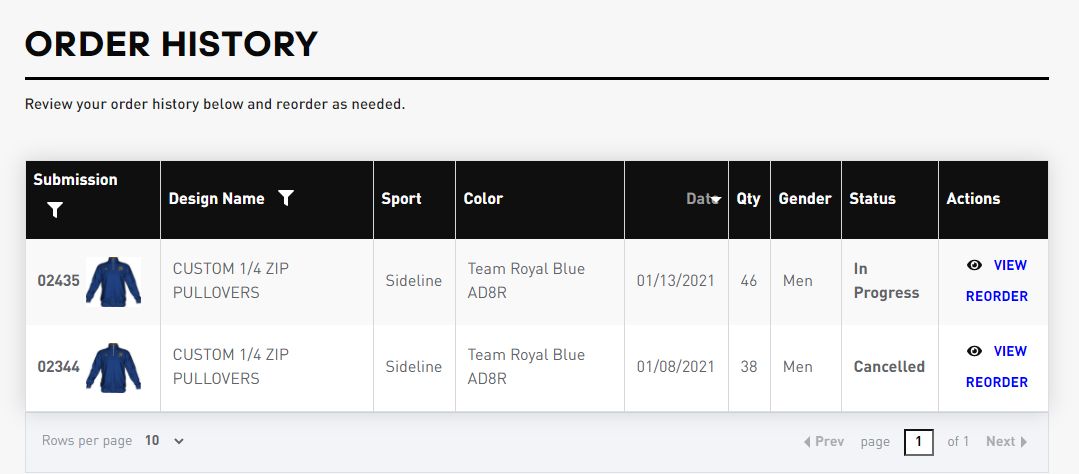
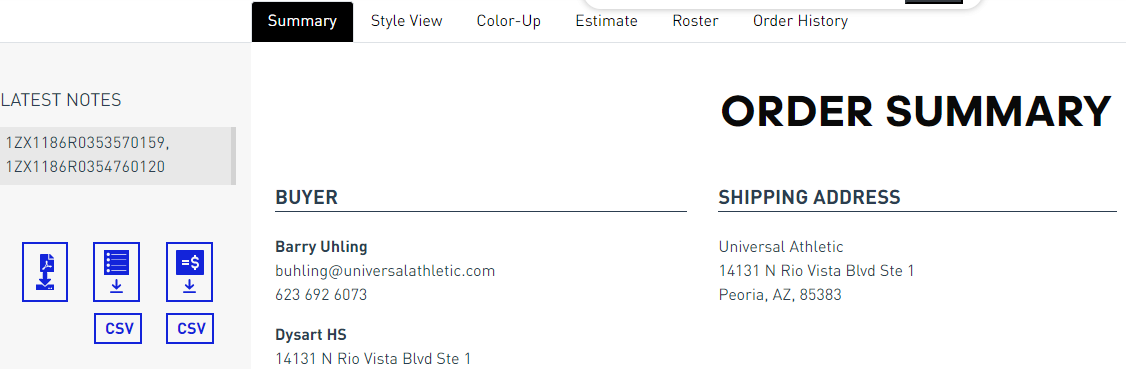
If the status of the order shows Shipped, you can click on view to get tracking information. UPS tracking number(s) will show under LATEST NOTES on the top left of the page.
Comments
0 comments
Article is closed for comments.