How do I review my design?
Upon completion of your design, filling your roster, and receiving your estimate, you will arrive upon the Order Submission screen. Here you will need to review and approve all aspects of your order: Design, Roster, and Estimate. Your order will not be sent to production until it is approved. Please be sure to pay attention to all details associated with your order.
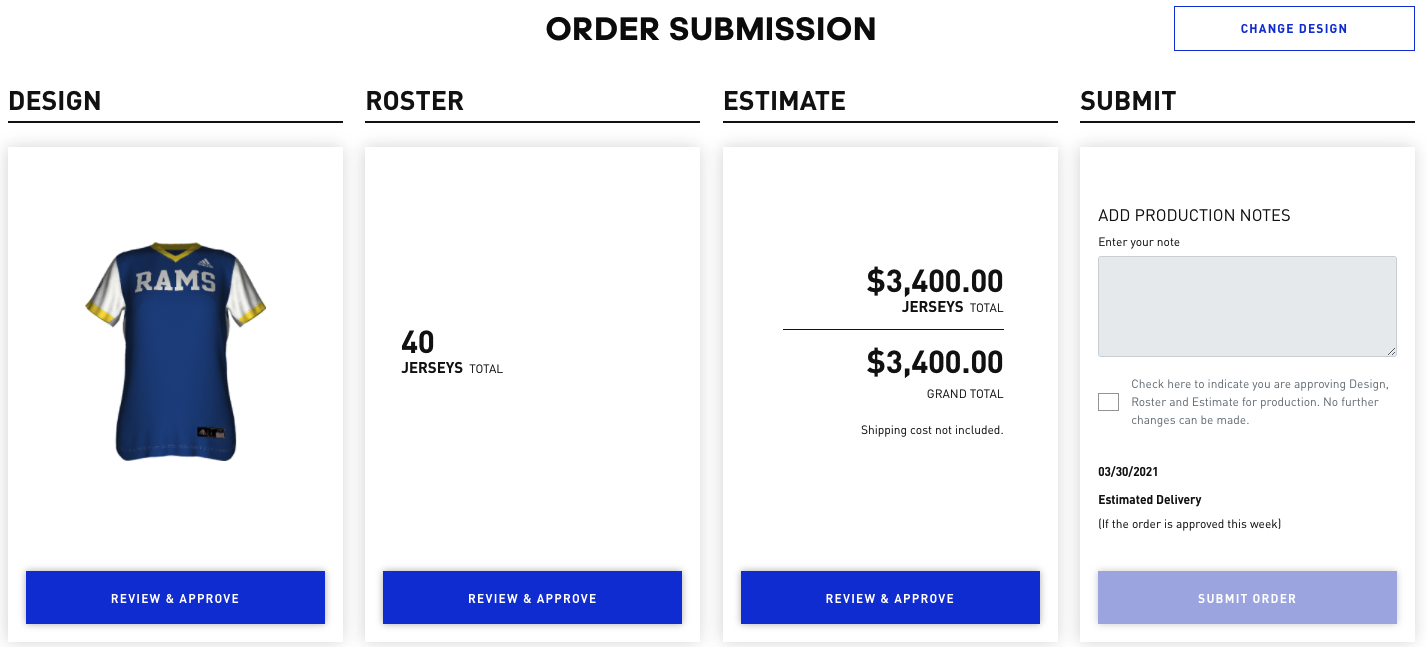
How do I submit my design?
In order to submit the order to an authorized adidas account, please complete the following steps:
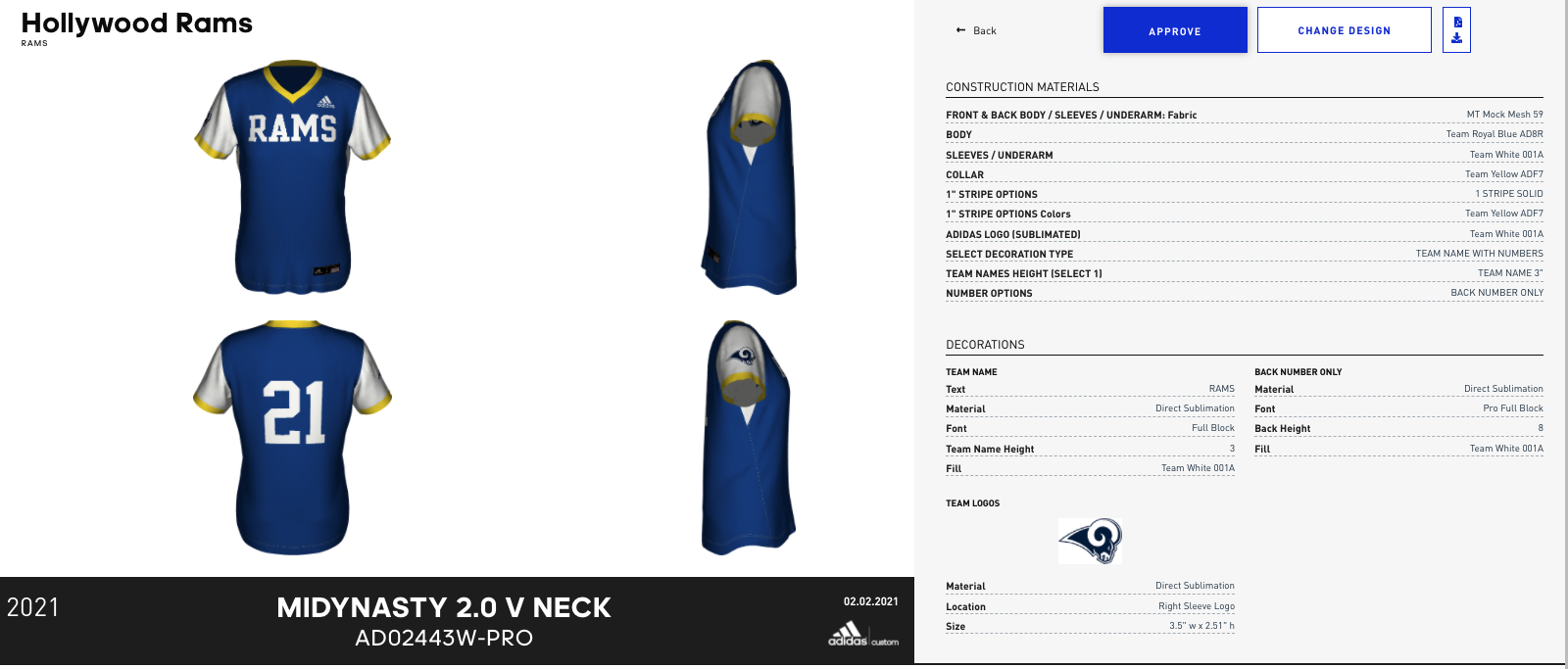
DESIGN
- Click “Review & Approve”
- Review image and options selected
- If satisfied with your design click APPROVE, or click on CHANGE DESIGN to modify it.
Power Play: You can download a PDF of your design by clicking on the icon on the top right of the page
ROSTER
- Click “Review & Approve”
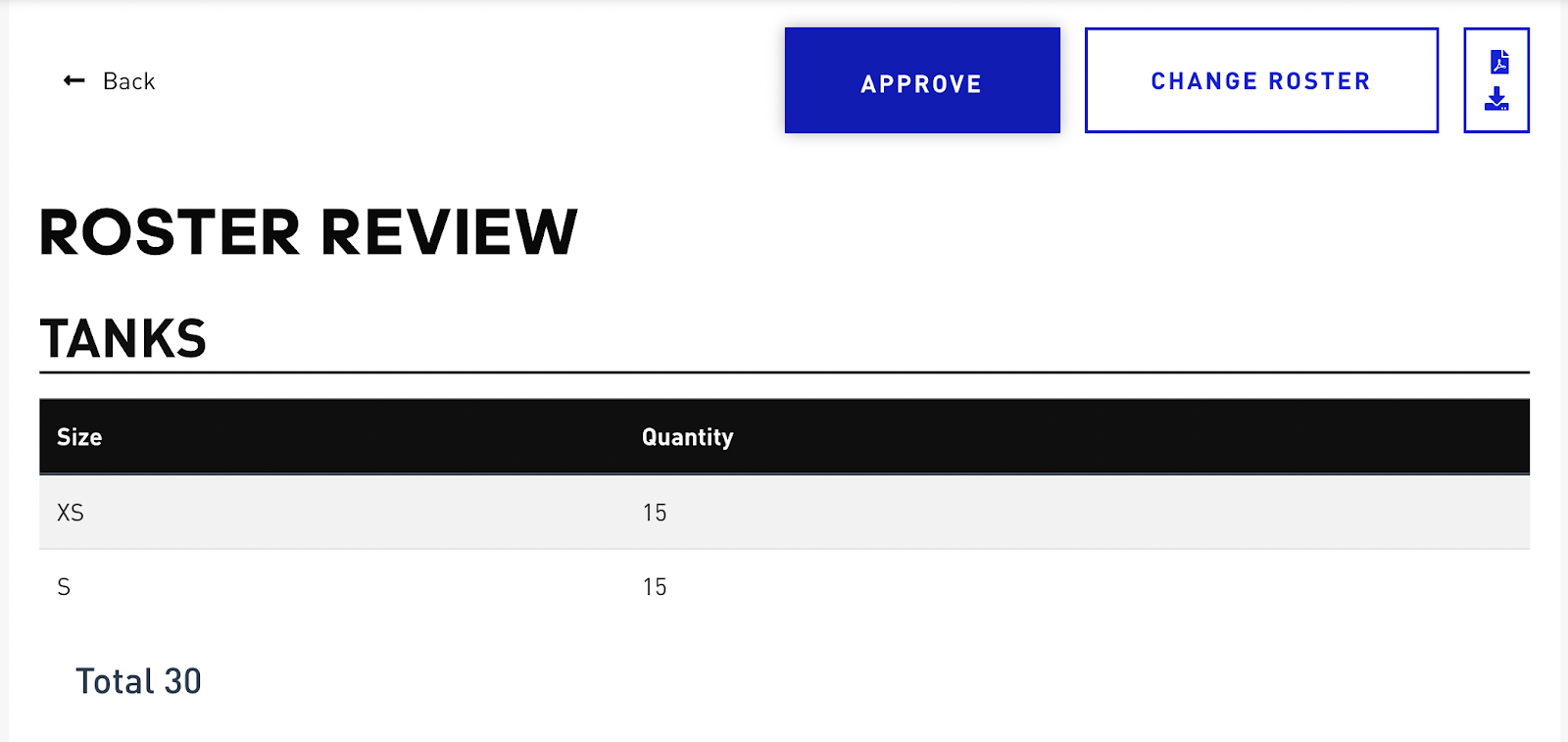
- Review the specifics of your roster
- Click APPROVE if everything is correct or CHANGE ROSTER to adjust sizes and/or quantities
ESTIMATE
- Click “Review & Approve”
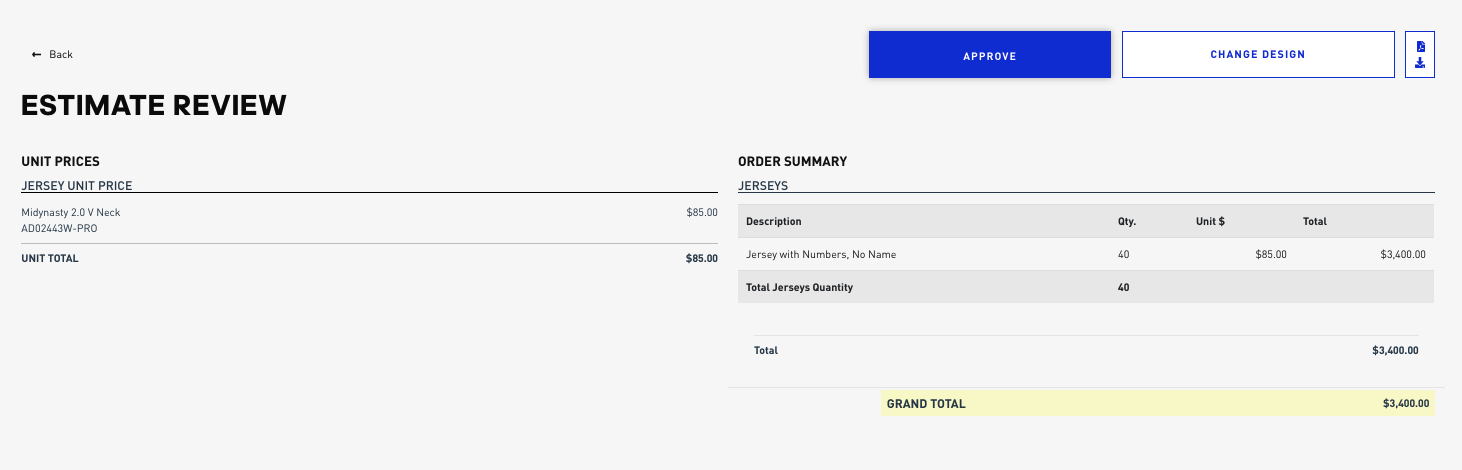
- Review UNIT PRICES listed on the left of the page and ORDER SUMMARY on the right side of the page. All prices are in MSRP. There are separate totals for tops and bottoms, and a Grand Total for the full order.
- Click APPROVE if everything is correct or CHANGE DESIGN to make adjustments.
Power Play: Here, you can make changes to your design as well as download your estimate to share.
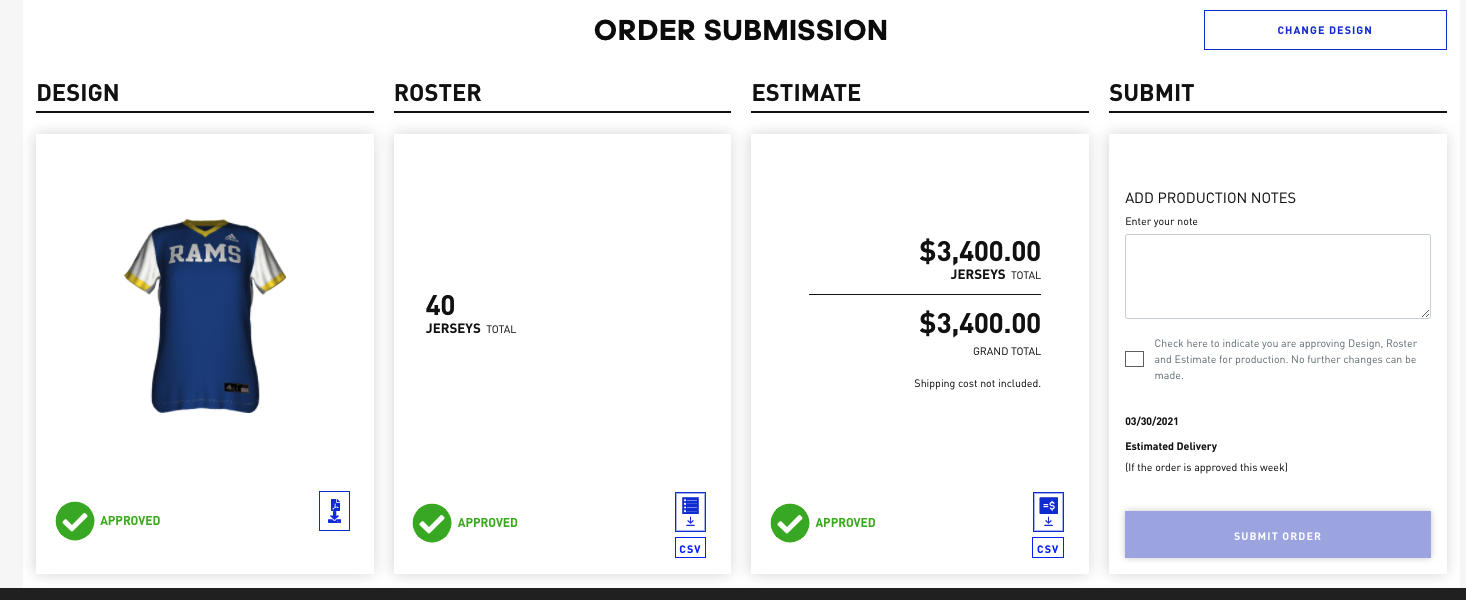
SUBMIT
- Use the PRODUCTION NOTES box to enter any comments or any special requests you might have
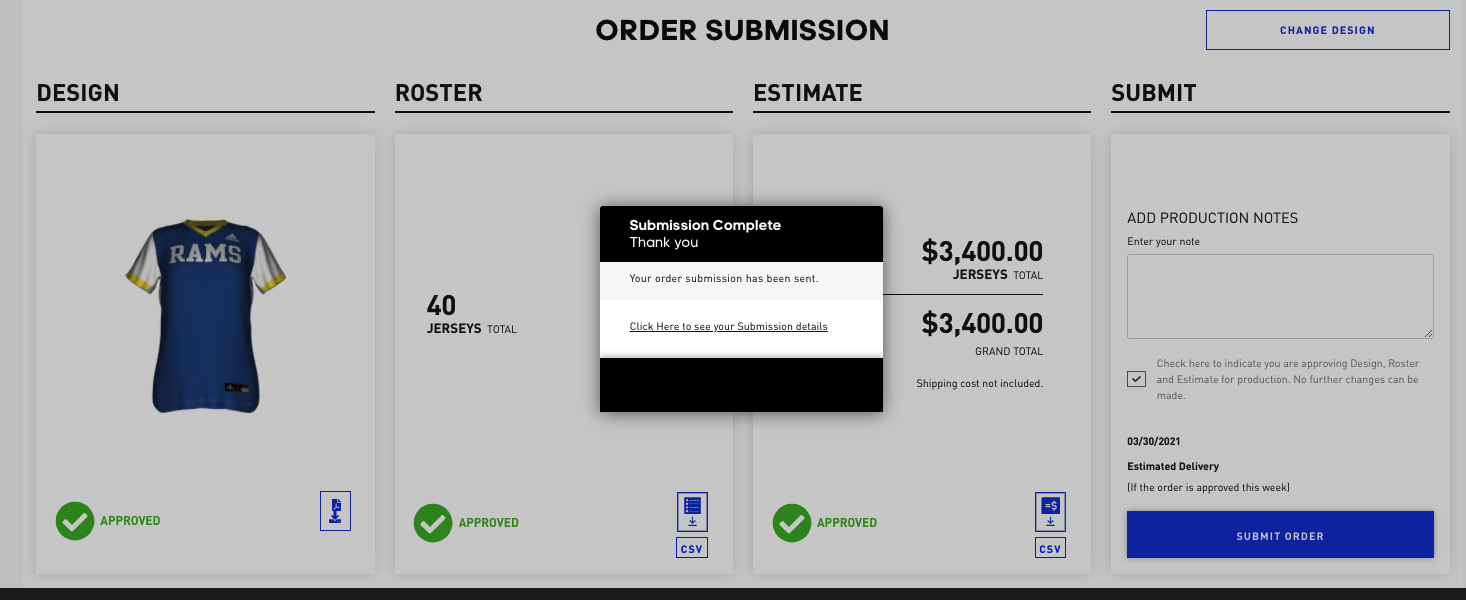
- Click on the check box to confirm you have reviewed the Design, the Roster, and the Estimate
- Click on SUBMIT ORDER
Comments
0 comments
Article is closed for comments.