What is a Roster?
A roster is an area on the Configurator where a buyer specifies the sizes and options that applies to the design built. Within the roster-building process, a buyer will input sizes and quantities. Other unique customizations such as alterations, player numbers, player names, and cut options are also imputed at this point. This determines quantities which then calculates your price estimate.
How Do I Build a Roster?
Rosters are used to generate a list of your uniforms’ personalization including sizes, numbers, names, and more. Rosters can be created either when a design is complete or created ahead of time. You can access your rosters from the Account menu on the top right of your screen.
- Click “Roster” from Account Menu
- If creating a new roster, click “Add New”.

- Input the roster name and sport it will be assigned to, and then proceed to enter the top and bottom jersey style.
- Press “Continue”.

- You will be brought to one of two screens
- If your roster/design does NOT include player numbers, you are brought to a traditional roster grid.

- Click “Add Row” and enter size quantities here.
- Repeat until all rows represent your full roster.
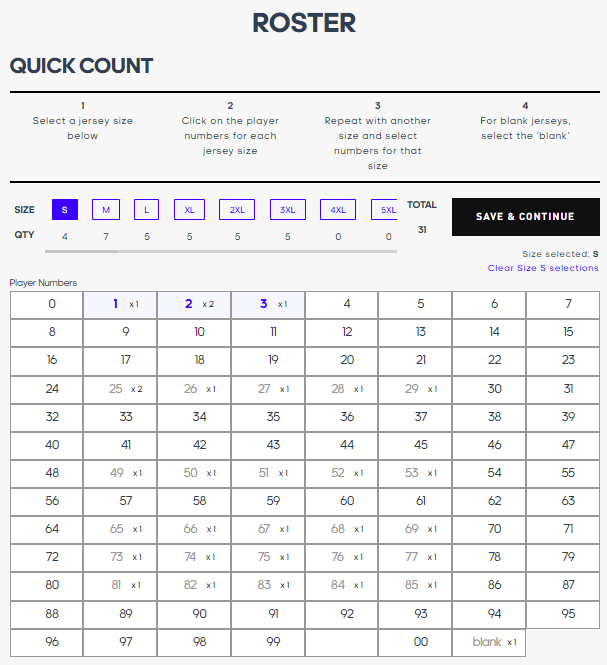
- If your roster/design DOES include player numbers, you are brought to the Quick Count roster. Please see Building a Quick Count Roster for more information.
- Click “Finish Roster + Save” when complete. You will be brought to your Locker, where you will find your submissions, designs, rosters, and Order History.
Comments
0 comments
Article is closed for comments.