How do I add a user to my organization?
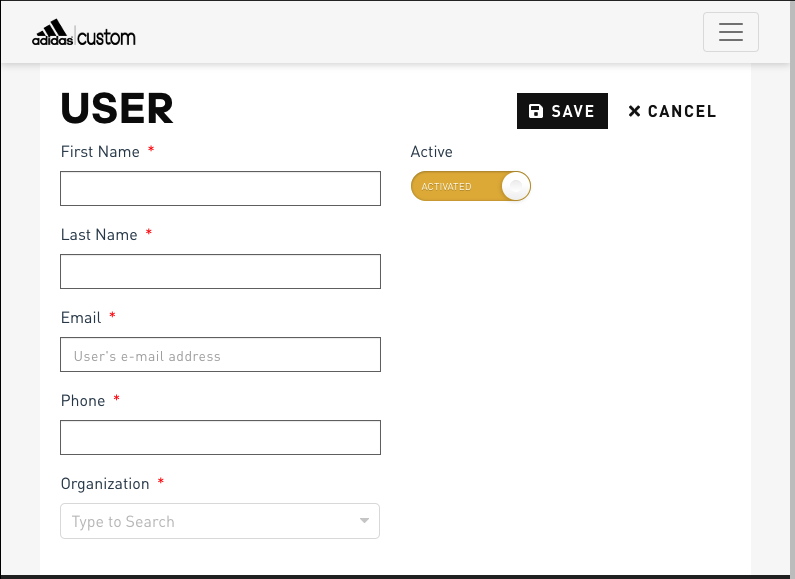
Within every organization, user accounts can be created. A user is a coach or team member who has access and permissions to design a uniform. To create a user within an organization:
- From your Dealer Dashboard, click “ADD USER+”
- Complete all required fields
- Click on the Active toggle to activate
- Click SAVE
An email will then be sent to the user inviting them to complete their registration.
Comments
0 comments
Article is closed for comments.